The EnroHire blog
Practical notes for
your next hiring round.
Guides to clear role requirements, readable resumes and a more considered candidate review. Written around the workflow you use in EnroHire.
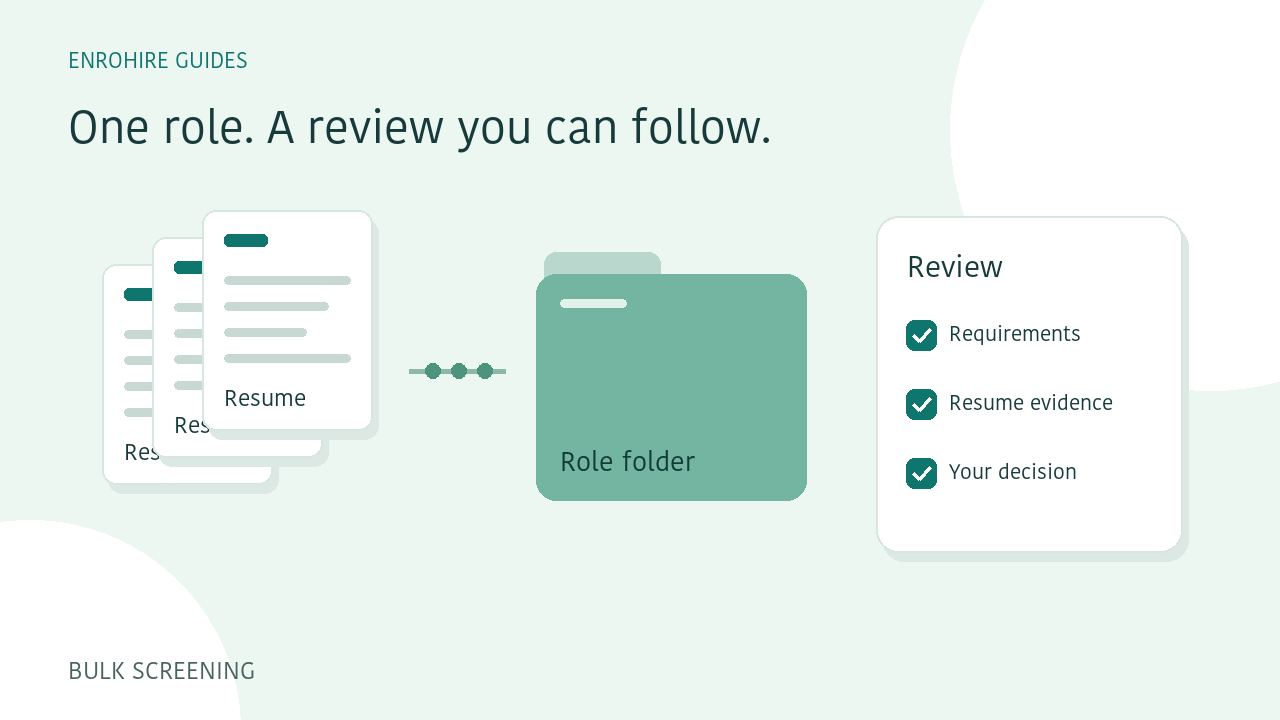
How to screen a batch of resumes against one role
A practical workflow for defining a role, submitting resume batches, reviewing exceptions and exporting a shortlist in EnroHire.
Read guide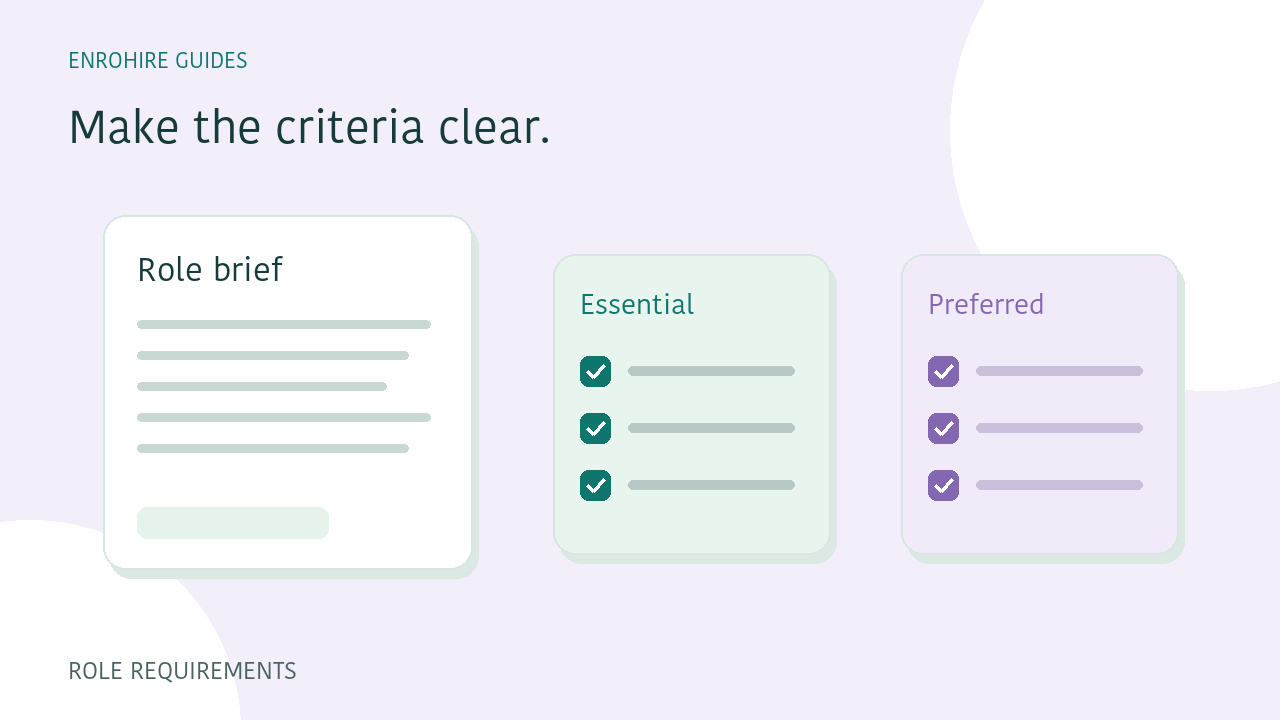
Write role requirements that are easier to screen against
Separate essential and preferred skills, describe relevant experience and use clear requirement groups before comparing applicants.
Read guide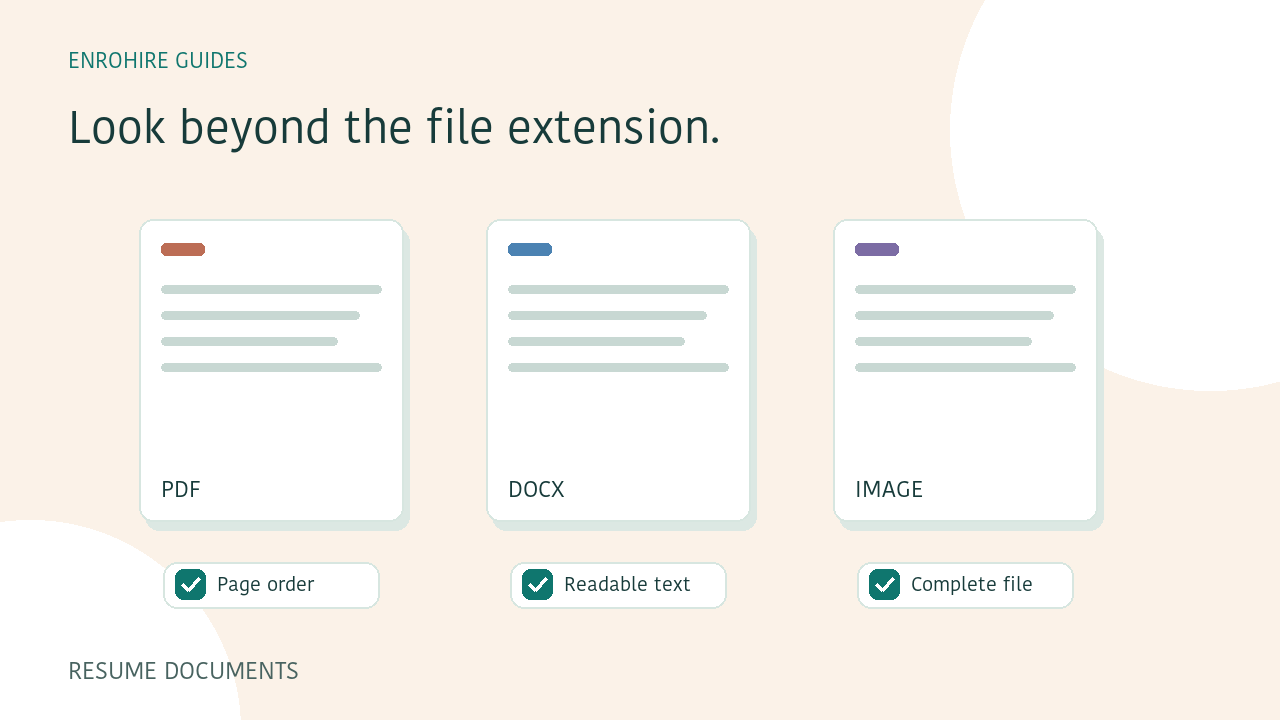
PDF or Word resumes: a checklist before you upload
Check resume formats, readability, page order and contact information before submitting PDF, Word or image files for screening.
Read guide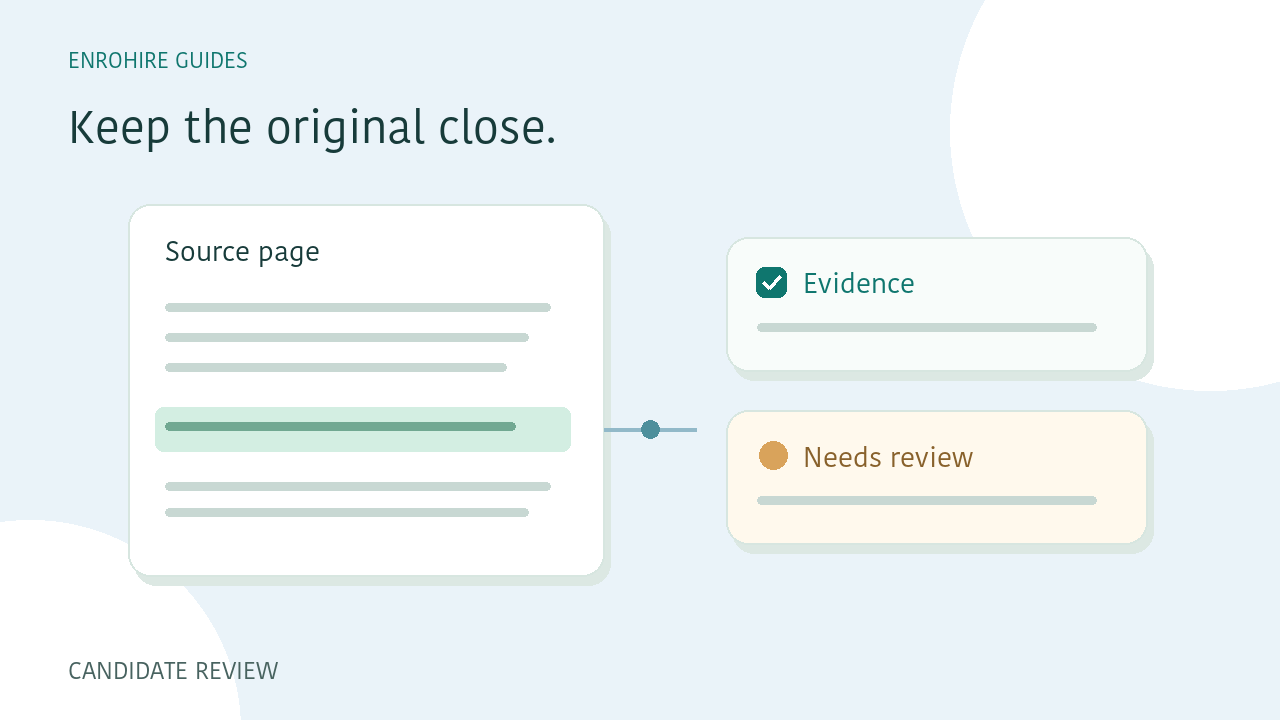
How to read a resume assessment beyond the score
Use saved role criteria, skill evidence, page references and recruiter notes to review a resume assessment with context.
Read guide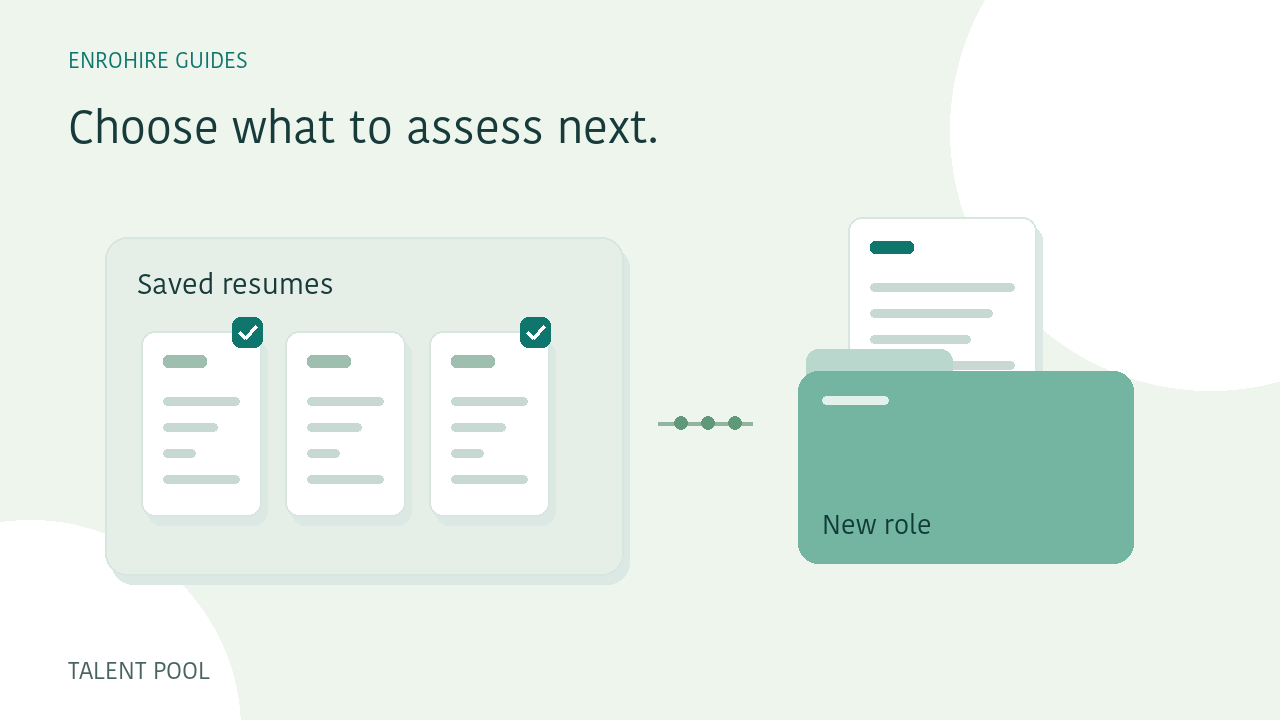
Match existing candidates to a new role, deliberately
Select prepared resumes from your own talent pool, review the new role and credit cost, then request matching when you need it.
Read guide