Write role requirements that are easier to screen against
Separate essential and preferred skills, describe relevant experience and use clear requirement groups before comparing applicants.
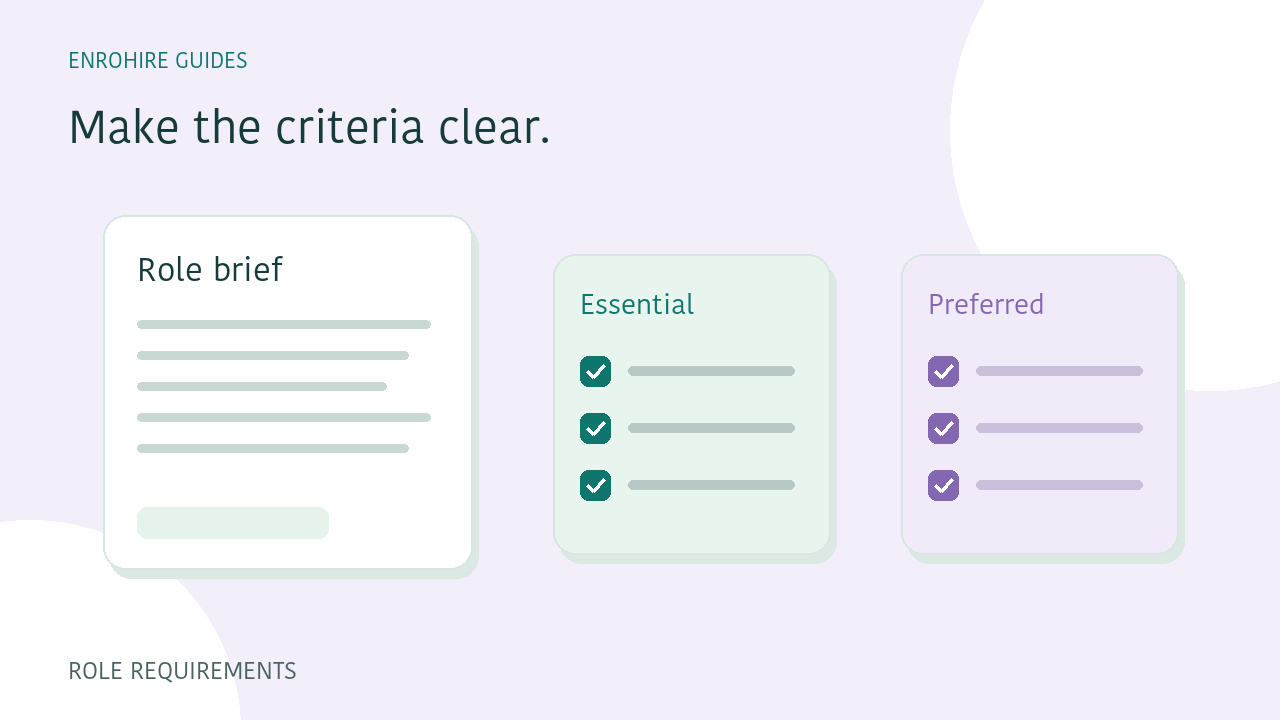
A resume assessment is easier to interpret when the underlying role brief is clear. Recruiters need to distinguish what a person must be able to do from what would be useful to learn later. In EnroHire, the job brief, experience requirement and skill groups provide that context. Here is a practical way to prepare them.
A few things to keep in mind
- Describe the work and its context.
- Keep essential requirements separate from preferences.
- Use all-of or any-of groups deliberately.
- Review each result against the criteria saved with it.
Describe the work before listing tools
Start with the responsibilities, the problems the person will handle and the level of ownership the role needs. A list of technologies alone does not explain whether you need someone to support an existing system, build a new workflow or coordinate a team.
Put that context in the role brief. Then choose the skills that are directly connected to it. This gives the recruiter something concrete to revisit when an applicant has a different job title or uses different wording for similar experience.
Separate essential skills from preferred qualifications
Essential requirements describe the capabilities your screening should examine most closely. Preferred qualifications add useful context without quietly becoming an unspoken requirement. If every item is marked essential, it becomes harder to distinguish a meaningful gap from a preference.
EnroHire lets you identify essential and preferred skill groups, alongside a role brief and additional preferred qualifications. Read those categories together. A candidate who does not demonstrate a preference should not be described as missing an essential requirement simply because the two lists were mixed up.
Decide whether a group means all or any
An all-of group asks for evidence across every skill in that group. An any-of group describes alternatives where evidence for one option can satisfy the group. These choices should reflect the actual work, rather than a desire to make the assessment stricter or more permissive.
For example, a role could accept experience with either of two suitable tools while requiring a separate core skill. This is an illustrative way to structure alternatives, not a claim that those tools are interchangeable in every job. Put important limits or context in the brief.
Explain what relevant experience means
A minimum number of years does not describe the whole requirement. Consider the type of work, its complexity and the responsibilities involved. Where those distinctions matter, explain them in the role description instead of relying entirely on a number.
When reviewing an assessment, inspect the experience evidence and the original career history. Overlapping dates, broad job descriptions or missing dates can leave uncertainty. An unclear resume record is a reason to check further, rather than a complete account of the person’s ability.
Check for wording that creates avoidable ambiguity
Read your brief as if you were seeing it for the first time. Remove repeated skills, unexplained abbreviations and requirements that do not relate to the work. Make clear which outcomes matter and which tools are examples of how the work might be done.
Keep the assessment focused on job-related qualifications. Candidate contact details help you organise records and communicate; they are not evidence of competence. The same applies to a photograph or a name on a document.
Keep the review tied to the saved criteria
Requirements can change as a hiring team learns more about a role. EnroHire keeps the criteria attached to each submitted batch so you can understand what was assessed at that point. Editing a role does not mean every earlier result has been reassessed.
Before comparing results from different batches, check the requirements used. If the role has changed materially, decide deliberately which candidates need a fresh assessment through an eligible workflow. Do not treat an old score as if it automatically reflects a new brief.
Your review checklist
- Responsibilities described in plain language
- Essential and preferred requirements separated
- All-of and any-of groups checked
- Relevant experience explained
- Saved criteria reviewed when comparing batches
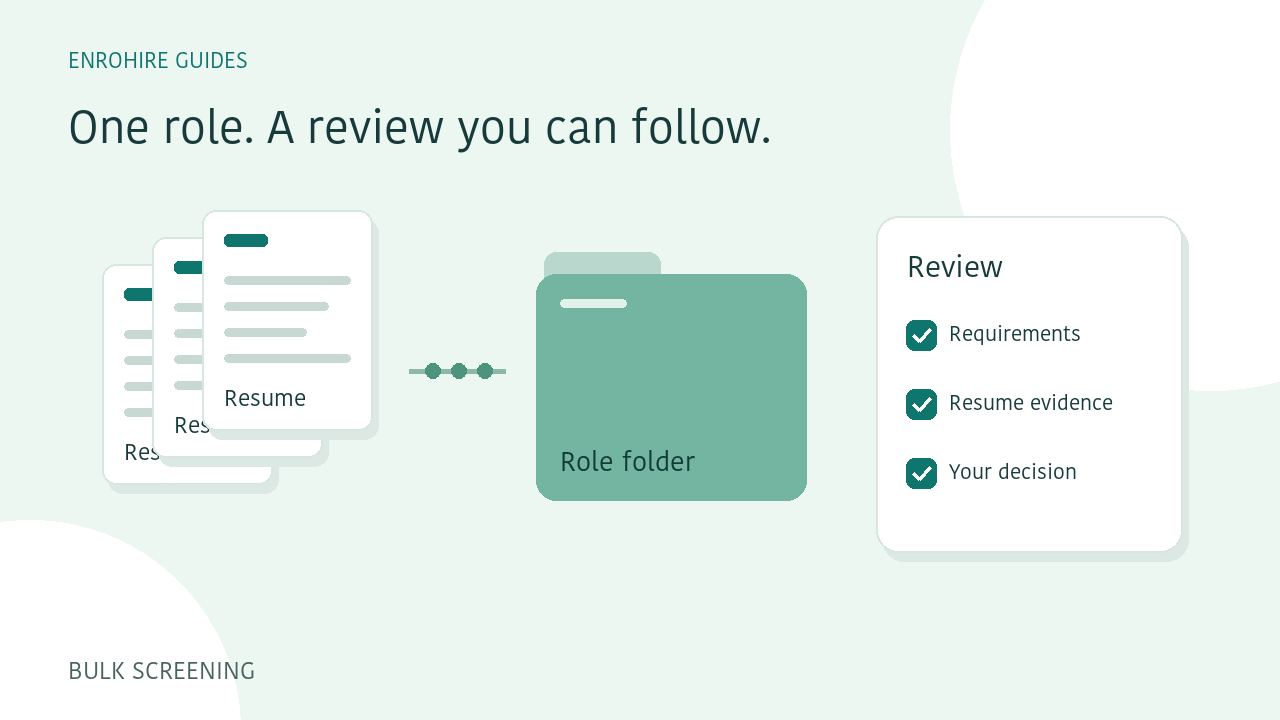
How to screen a batch of resumes against one role
A practical workflow for defining a role, submitting resume batches, reviewing exceptions and exporting a shortlist in EnroHire.
Read guide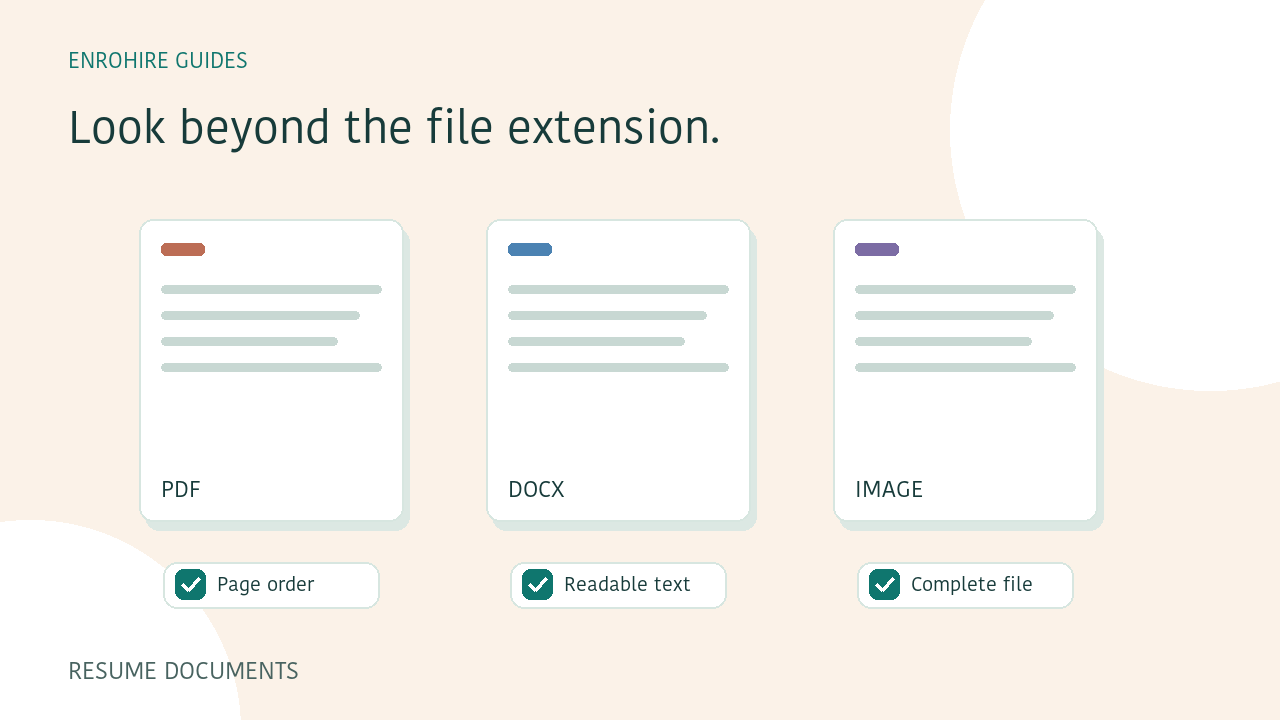
PDF or Word resumes: a checklist before you upload
Check resume formats, readability, page order and contact information before submitting PDF, Word or image files for screening.
Read guide