PDF or Word resumes: a checklist before you upload
Check resume formats, readability, page order and contact information before submitting PDF, Word or image files for screening.
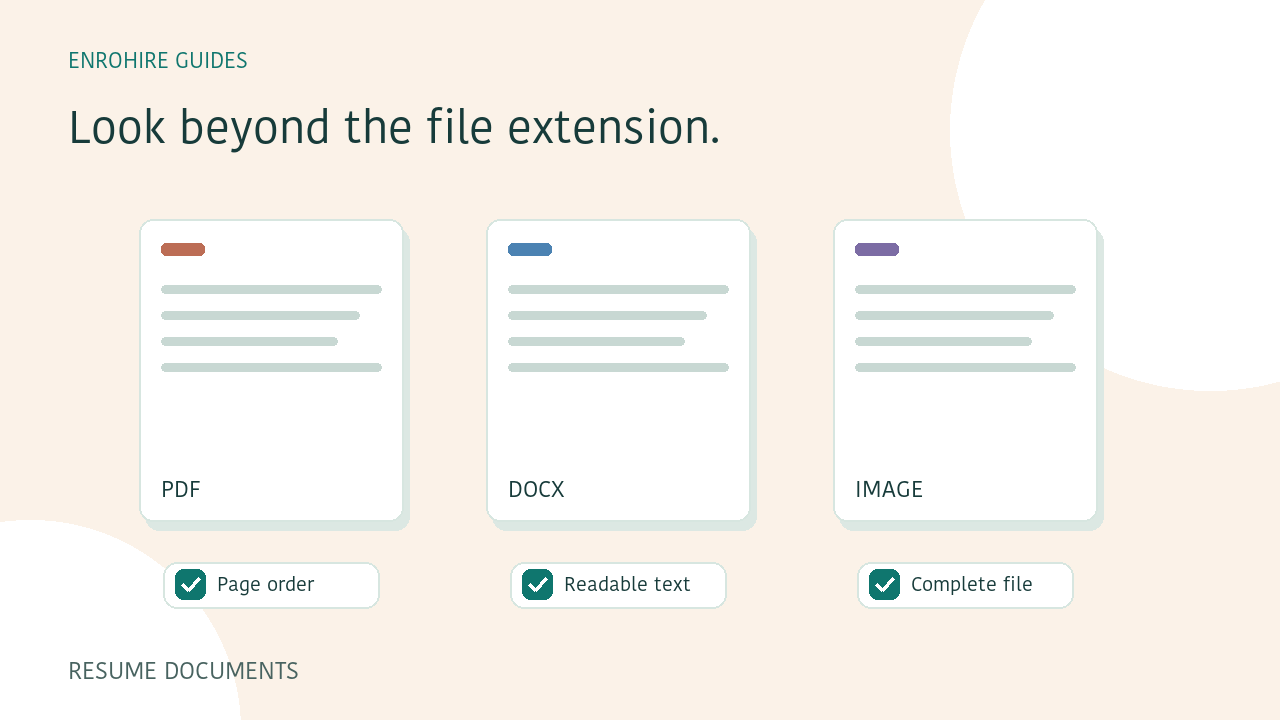
Recruiters receive resumes as PDFs, Word documents and images. A file extension tells you how a document is packaged, but it does not tell you whether its content is complete or readable. A few checks before uploading can make the resulting assessment easier to inspect and help you spot files that need a corrected copy.
A few things to keep in mind
- Open the document before adding it to a batch.
- Check page order, text and contact information.
- Use a genuine supported file format.
- Verify uncertain details against the original resume.
Check the format and upload limits
EnroHire accepts PDF, DOCX, DOC, PNG, JPG and WEBP resumes. The current workflow supports up to 100 files in a batch, with a limit of 10 MB and 20 pages per resume. The upload interface shows the applicable restrictions before you submit.
Changing the filename extension does not convert a document. If an application produced an unsupported file, export it to a supported format and open the exported copy to check it. Use a document you are authorised to process and keep the original available for your own review.
Check what is actually inside a PDF
A PDF exported from a document editor may contain readable text. A scanned PDF may contain images of text instead. Both can look similar on screen, but they do not necessarily provide the same usable information for extracting candidate details.
Open the PDF and inspect every page. Check for cropped sections, repeated pages and missing text. If selecting or copying text produces a strange reading order, the original page preview remains important when you review the assessment.
Open the Word document before submitting it
Check that a Word resume opens normally and that important content is part of the document, rather than something that must be fetched from an external location. Password-protected files, macros and embedded content can prevent preparation. A supported extension does not guarantee that every document structure can be processed.
If a file is rejected, read the issue shown in the workspace. An unlocked PDF exported from the original document may be a useful corrected copy. Review that export before submitting it, especially around page breaks, tables and contact details.
Look closely at images, columns and bullets
For an image resume, check that the text is sharp enough to read, the page is upright and the edges are not cropped. A photograph with glare or a compressed screenshot can hide information even when the file itself uploads successfully.
Columns, tables, headings and bullet lists can also change how document content is read. Do not assume that a visually attractive layout produces a complete assessment. Use the original resume and any source-page references to resolve uncertainty.
Check candidate details separately from role fit
Where usable text is available, EnroHire can display extracted name and contact details with source-page actions. These fields may be missing or need review. A document can still have an assessment while its contact details are unavailable.
An extracted email address is not confirmation that a mailbox works or belongs to the candidate. A phone number, location or profile link also needs the appropriate recruiter check before you rely on it. Missing information should remain missing rather than being guessed.
Review the preparation outcome
Keep the page open until upload and submission are confirmed. Preparation and screening then continue in the background. The batch can finish with some files requiring attention, so review the recorded outcomes instead of assuming every file was assessed.
If a document failed, obtain a corrected copy and make a deliberate new submission. If an assessment completed but evidence is uncertain, inspect the original first. Those are different situations, and they call for different follow-up work.
Your review checklist
- File opens and all pages are present
- Text, orientation and contact information inspected
- File size and page limit checked
- Corrected exports reviewed before submission
- Preparation outcome checked in the batch
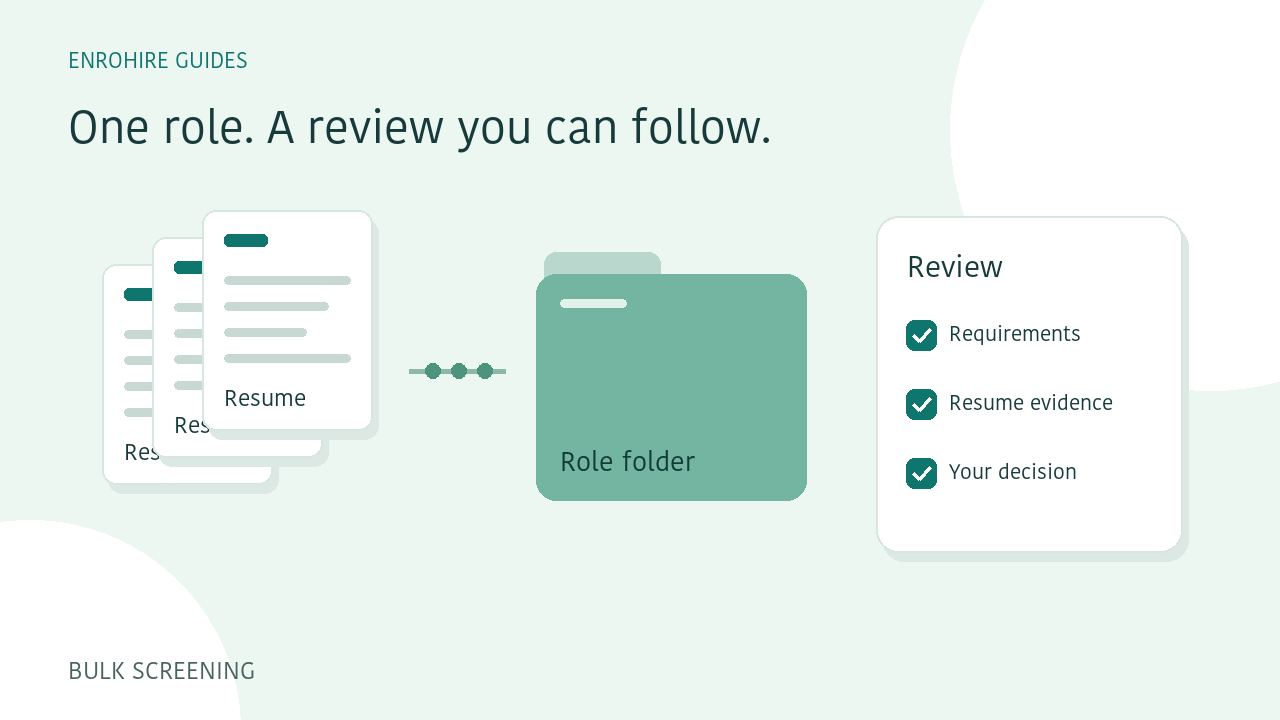
How to screen a batch of resumes against one role
A practical workflow for defining a role, submitting resume batches, reviewing exceptions and exporting a shortlist in EnroHire.
Read guide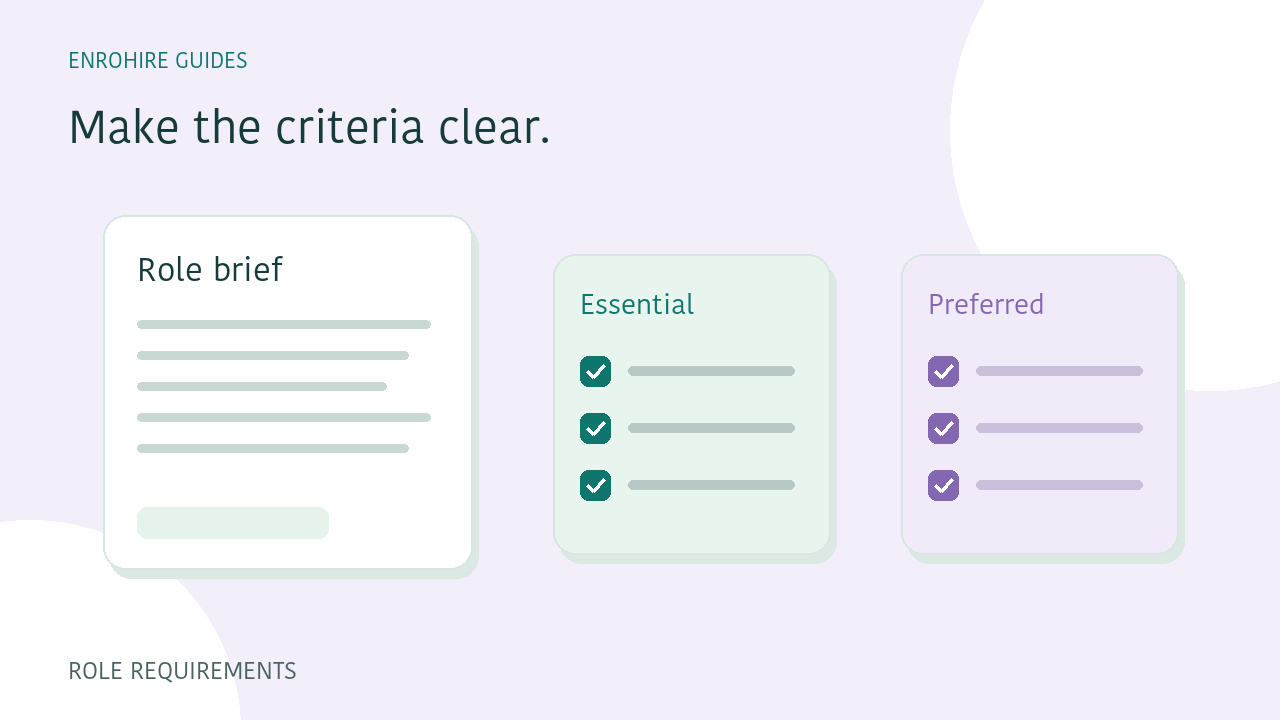
Write role requirements that are easier to screen against
Separate essential and preferred skills, describe relevant experience and use clear requirement groups before comparing applicants.
Read guide