Match existing candidates to a new role, deliberately
Select prepared resumes from your own talent pool, review the new role and credit cost, then request matching when you need it.
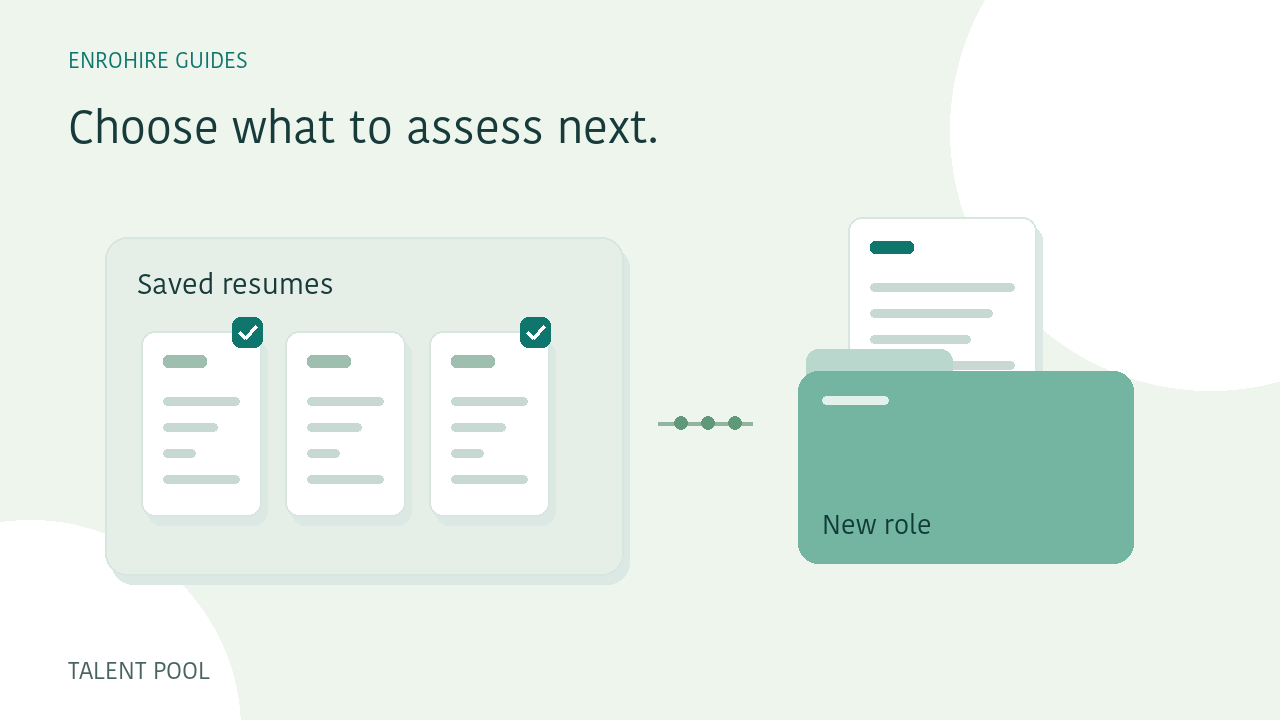
A new hiring requirement may be worth reviewing against resumes you already hold. That does not mean every upload should trigger another assessment of the whole library. EnroHire makes existing talent-pool matching an explicit action: choose the role, select prepared resumes, review the cost and submit the request.
A few things to keep in mind
- Matching uses prepared resumes from your own account.
- Creating a role or uploading files does not start re-screening.
- Each successful new role assessment uses one credit.
- Earlier assessments, stages and notes remain separate.
Describe the new requirement first
Create or select the role you want to screen against. Check its job brief, relevant experience requirement and skill groups before choosing candidates. A previous assessment may have been useful for another role without answering the questions raised by this one.
Review the requirements in the matching confirmation. If the role changes while you are preparing the request, refresh the selection and confirmation as prompted. The new assessment should have a clear set of criteria attached to it.
Browse the prepared resumes in your account
The talent pool uses original prepared uploads held in your own EnroHire account. You can browse filenames and previous roles, inspect a resume and select eligible documents across pages. The current matching workflow allows a selection of up to 100 prepared resumes per request.
Older records that only have an original file may need to be uploaded and prepared before they can be reused. A candidate already queued or successfully assessed for the target role may not be selectable again in that workflow.
Check the records behind your selection
An uploaded document is a record, not a verified unique identity. Separate uploads belonging to the same person can appear separately. Review filenames and source documents where needed so you understand what you have selected.
Reusing a prepared resume avoids another upload of that available file. It does not make the information more current. If a candidate has supplied an updated resume, consider whether that newer document is the appropriate source for the new role.
Review the credit cost before submitting
Each successful assessment of a resume against the target role uses one screening credit. This applies even if the same resume was previously screened for another role. Reviewing the selection and its required credits is part of the matching flow.
Browsing the pool, creating a role and uploading a document do not automatically start talent-pool matching. You choose when to submit. Failed preparation or screening follows the normal credit-return rules, and the workspace records the batch outcome.
Follow the new matching batch
Once submitted, the new assessments run through the background screening workflow. Processing shows progress, and the completion notice links back to the batch. You can review the resulting candidates under the target role.
As with a new upload batch, check failed files and uncertain evidence separately. A stored resume can still contain incomplete information, and a new requirement can introduce questions that were not relevant to the earlier role.
Make a new decision for the new role
Earlier assessments, hiring stages and recruiter notes remain associated with their original roles. New matching results start in Inbox with their own notes. A previous shortlist decision is not automatically carried over as the decision for the new requirement.
Read the saved criteria, inspect the original resume and record the reasoning for the new role. You can then request a CSV export of the saved results when you are ready. Keep the distinction between the original record and the new assessment clear in your review.
Your review checklist
- New role requirements checked
- Eligible prepared resumes selected
- Duplicate or outdated documents considered
- Credit requirement reviewed before submission
- New assessments and decisions reviewed under the target role
How to screen a batch of resumes against one role
A practical workflow for defining a role, submitting resume batches, reviewing exceptions and exporting a shortlist in EnroHire.
Read guide
Write role requirements that are easier to screen against
Separate essential and preferred skills, describe relevant experience and use clear requirement groups before comparing applicants.
Read guide