How to read a resume assessment beyond the score
Use saved role criteria, skill evidence, page references and recruiter notes to review a resume assessment with context.
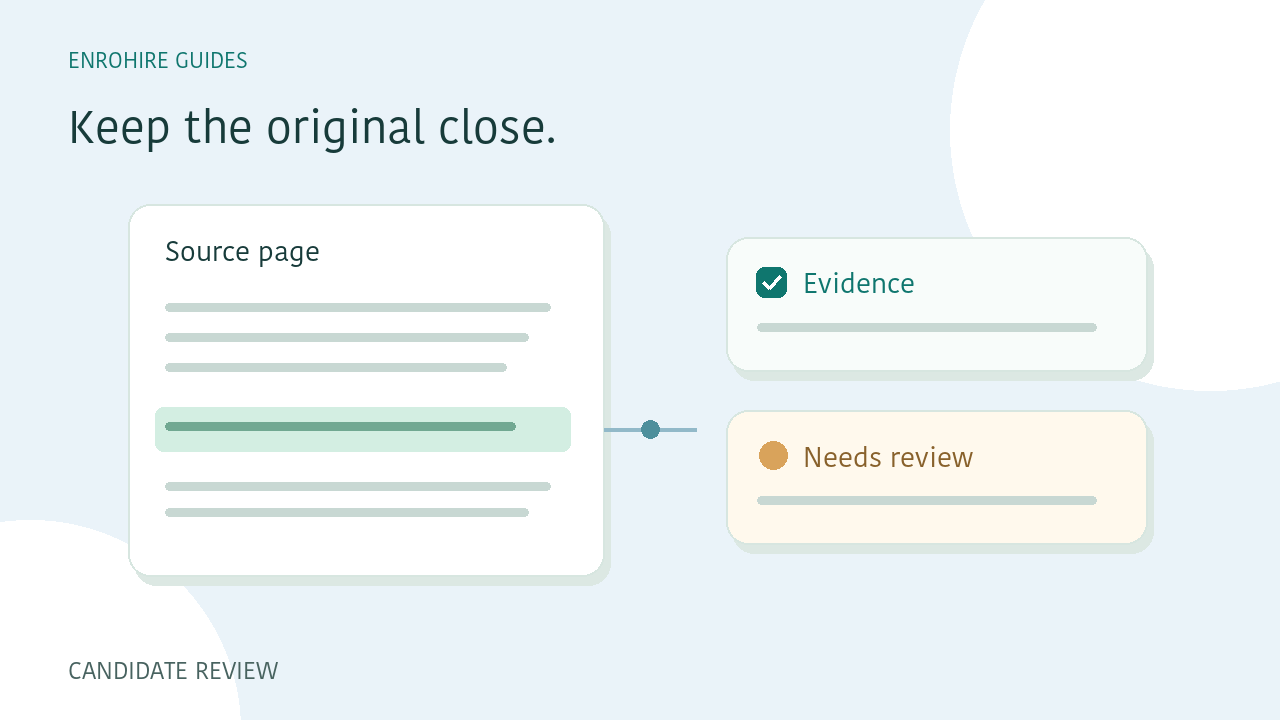
A role-fit score can help you decide where to begin a review. It cannot explain an applicant’s entire background or establish whether every statement in a resume is true. EnroHire keeps the original document, requirement evidence and recruiter decisions close together so you can inspect the context behind the result.
A few things to keep in mind
- Read the role criteria used for the assessment.
- Distinguish demonstrated, missing and uncertain evidence.
- Use page references as pointers to the original.
- Record your own decision and its reasoning.
Start with the requirements used
Open the criteria saved with the assessment. Read the job brief, relevant experience requirement and essential or preferred skills. This establishes the question the assessment was trying to answer.
Be careful when comparing results from batches submitted under different requirements. A similar score does not establish that the candidates were assessed against the same brief. Editing a role later does not automatically update every earlier assessment.
Read skill evidence as evidence from a document
A demonstrated skill indicates that the assessment found supporting material in the resume. A skill not shown in the resume means that the document did not provide clear support. It does not prove the candidate lacks that skill.
Unclear evidence is a prompt for further review. Read the surrounding context and decide whether you need a conversation, an additional document or another appropriate assessment step. Avoid turning a gap in the resume into a definite statement about a person’s ability.
Open the source page
Page references help you navigate to material associated with an assessment. They are not verified quotations. Open the referenced page and check whether the surrounding role, dates, project description or responsibilities support the conclusion you are considering.
If a resume uses columns or dense formatting, take extra care when reading the original. The aim is to understand what the document says, not simply to find a matching word on a page.
Treat uncertainty as part of the result
An assessment marked for review can contain ambiguous experience, unclear skill evidence or other uncertainty. Read the reasons and look at the original. The attention flag gives you a place to focus; it is not a substitute for that review.
Role fit and assessment confidence describe different aspects of a result. Neither is a hiring guarantee or an independent verification of employment history. Keep the actual role requirements and the evidence available in view when deciding what happens next.
Keep extracted contact details in context
Candidate details shown as extracted from a resume are separate from the role assessment. Source-page actions help you find where a name, email address or phone number appeared. Some fields may be absent or unavailable.
A page match does not verify identity, mailbox ownership or the accuracy of the candidate’s claims. Check the original when needed and avoid filling gaps with a name inferred from an email address or other guesswork.
Make and record the recruiter decision
EnroHire leaves hiring stages under your control. After reviewing a candidate, choose the appropriate stage and add notes that explain the decision. Useful notes distinguish the evidence you saw from questions that still need an answer.
When you export saved results, remember that the CSV is a record of the information and decisions available at that point. Check the export scope and contact-detail status before sharing it. Keep further verification and hiring decisions in your own review process.
Your review checklist
- Saved criteria read
- Essential evidence inspected
- Relevant source pages opened
- Uncertainty and missing details checked
- Recruiter stage and notes saved
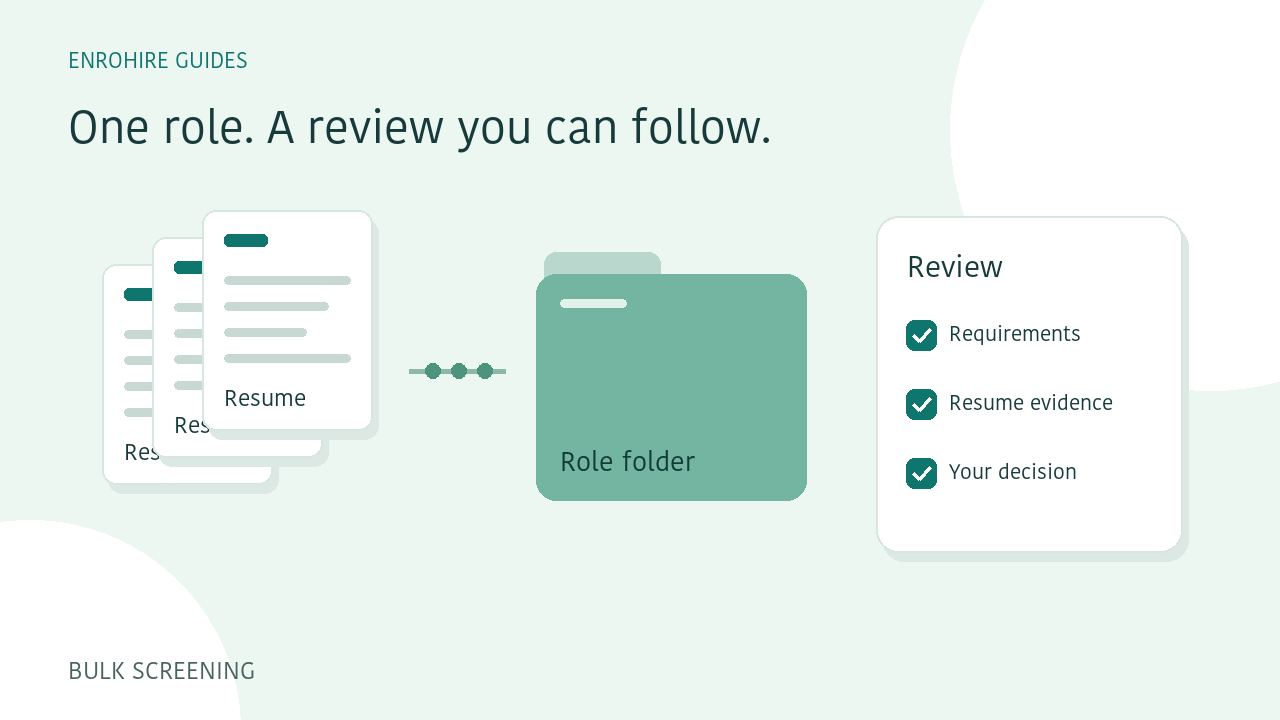
How to screen a batch of resumes against one role
A practical workflow for defining a role, submitting resume batches, reviewing exceptions and exporting a shortlist in EnroHire.
Read guide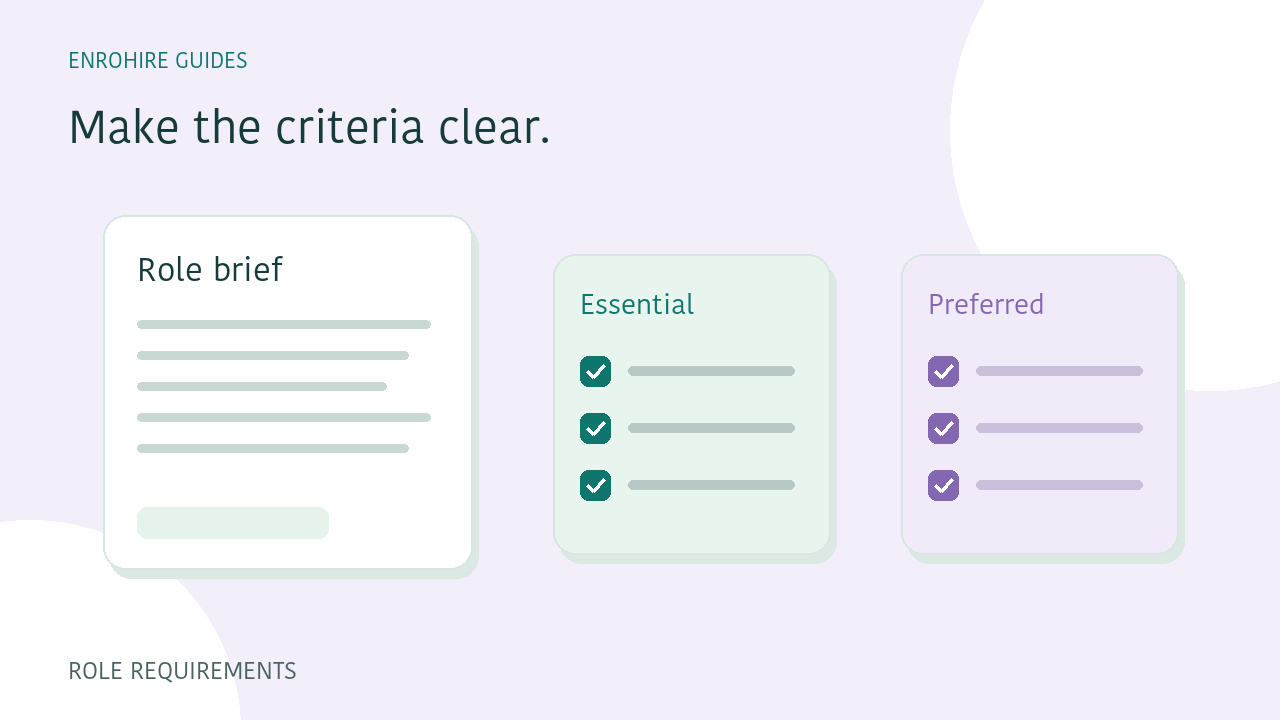
Write role requirements that are easier to screen against
Separate essential and preferred skills, describe relevant experience and use clear requirement groups before comparing applicants.
Read guide